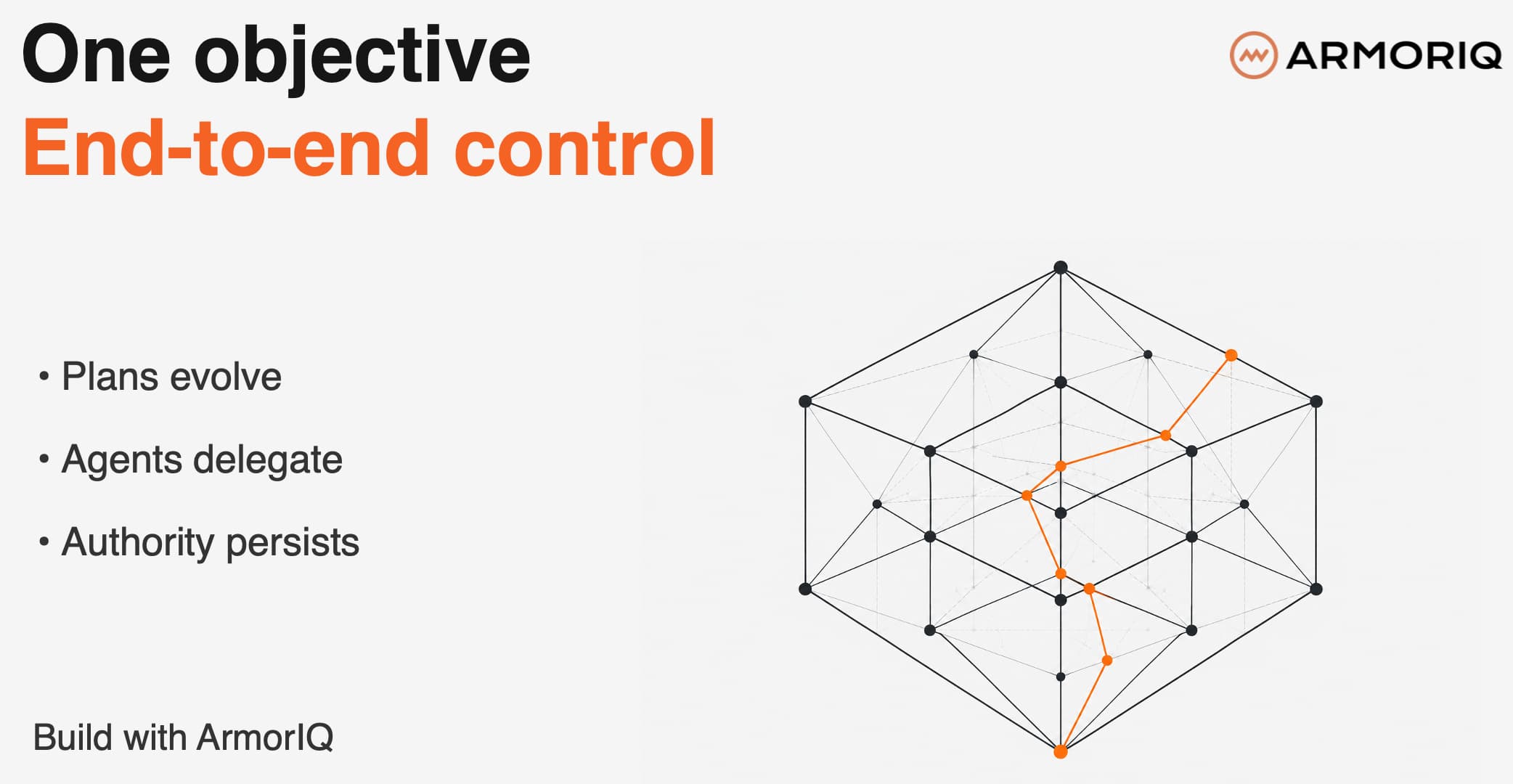
AI agents can chain harmless-looking steps into something nobody approved. “Process the refund” turns into a lookup, a credit, and an email to an external address. Each step looks fine on its own. Together they’re a problem.
The ArmorIQ SDK catches this before it happens. Your agent produces a plan, the SDK signs it as an intent token, and every tool call is checked against that plan before it runs. If a call isn’t in the plan, it doesn’t execute.
Setup needs one API key and the end user’s email. No cloud credentials, no user-ID management. Every allow, hold, and block in the audit log traces back to a real person.
Install
Python (3.10 to 3.13):
pip install armoriq-sdk
TypeScript (Node 18+):
npm install @armoriq/sdk
The CLI comes with the Python package. TypeScript users install it the same way.
Framework adapters are extras on the Python side:
pip install “armoriq-sdk[google-adk]”
pip install “armoriq-sdk[langchain]”
pip install “armoriq-sdk[crewai]”
pip install “armoriq-sdk[strands]”
pip install “armoriq-sdk[all]”
The TypeScript package includes Google ADK, LangChain, and Strands out of the box. Nothing extra to install.
Set up the CLI
Five commands take you from nothing to registered:
pip install armoriq-sdk
armoriq login # opens browser login
armoriq init # creates armoriq.yaml
armoriq validate # checks config and connectivity
armoriq register # pushes config to the control plane
After that, armoriq status shows what’s registered and armoriq logs streams enforcement decisions to your terminal.
Initialize the client
Python:
from armoriq_sdk import ArmorIQClient
client = ArmorIQClient(api_key=”ak_live_...”)
scope = client.for_user(”alice@example.com”)
TypeScript:
import { ArmorIQClient } from ‘@armoriq/sdk’;
const client = new ArmorIQClient({ apiKey: ‘ak_live_...’ });
const scope = client.forUser(’alice@example.com’);
Initialize once with your API key, then scope each request to a user email. That’s the whole pattern. If you use one of the frameworks below, the adapter does this wiring for you. Here’s what attaching one looks like in each framework.
Pick your framework
Every adapter does the same thing: catch the model’s tool decisions, turn them into a signed plan, enforce that plan before each tool runs. Your tools and agents stay as they are.
Google ADK (Python and TypeScript)
pip install “armoriq-sdk[google-adk]”
Adds three callbacks to your agent: build the plan after the model responds, check policy before each tool runs, log the result after.
from armoriq_sdk.integrations.google_adk import ArmorIQADK
# once per process
armoriq = ArmorIQADK(api_key=os.environ[”ARMORIQ_API_KEY”])
# per request
scope = armoriq.for_user(”alice@example.com”, goal=user_message)
scope.install(root_agent)
try:
async for event in runner.run_async(...):
handle(event)
finally:
scope.uninstall(root_agent)
LangChain (Python and TypeScript)
pip install “armoriq-sdk[langchain]”
Plugs in as a callback handler. The plan is created when the model picks its tools, and policy runs before each tool fires. Tools only run on an explicit allow.
from armoriq_sdk import ArmorIQClient
from armoriq_sdk.integrations.langchain import ArmorIQLangChain
# once per process
armoriq = ArmorIQLangChain(
armoriq_client=ArmorIQClient(api_key=os.environ[”ARMORIQ_API_KEY”]),
mode=”sdk”,
)
# per request
handler = armoriq.for_user(”alice@example.com”, goal=user_message)
agent_executor.invoke(
{”input”: user_message},
config={”callbacks”: [handler]},
)
Langflow (Python)
pip install “armoriq-sdk[langchain]”
langflow run
No code at all. Install the SDK and the ArmorIQ Tool Calling Agent node appears in your component library. Wire your tools to it like the normal agent node.
CrewAI (Python)
pip install “armoriq-sdk[crewai]”
Wrap your crew with ArmorIQCrew and call kickoff() as usual. One intent token covers the whole run. This adapter covers intent verification and audit today; if you need per-call holds and approvals, use ADK, LangChain, or Strands.
from armoriq_sdk import ArmorIQClient
from armoriq_sdk.integrations.crewai import ArmorIQCrew
client = ArmorIQClient(api_key=os.environ[”ARMORIQ_API_KEY”])
crew = ArmorIQCrew(
agents=[researcher, writer],
tasks=[research_task, write_task],
armoriq_client=client,
llm=”gpt-4o”,
)
result = crew.kickoff()
AWS Strands (Python and TypeScript)
pip install “armoriq-sdk[strands]”
Attaches hooks to your agent: plan and token after model selection, policy check before each tool, completion report after.
from armoriq_sdk import ArmorIQClient
from armoriq_sdk.integrations.strands import ArmorIQStrands
armoriq = ArmorIQStrands(
armoriq_client=ArmorIQClient(api_key=os.environ[”ARMORIQ_API_KEY”]),
mode=”sdk”,
)
hooks = armoriq.for_user(”alice@example.com”, goal=user_message)
agent = Agent(model=model, tools=tools, hooks=[hooks])
That’s it
Pick your framework, install the extra, scope a user, and watch the decisions show up in armoriq logs.
Documentation :- https://docs.armoriq.ai/sdk
More soon.