
Brand
Brand guidelines and press kit
Logos, colour, and type for anyone writing about or building with ArmorIQ.
Logo
The ArmorIQ logo pairs the mark with the wordmark. It is the main way people recognise us, so use the supplied files exactly as they are and pick the version with the most contrast against its background.
Clear space
Give the logo room. Keep a margin around it equal to half the height of the mark, with no type, edges, or other logos inside it.
Minimum size
Below 96 pixels wide on screen, or 25 mm in print, the wordmark stops reading cleanly. At that size, use the mark on its own.

Mark
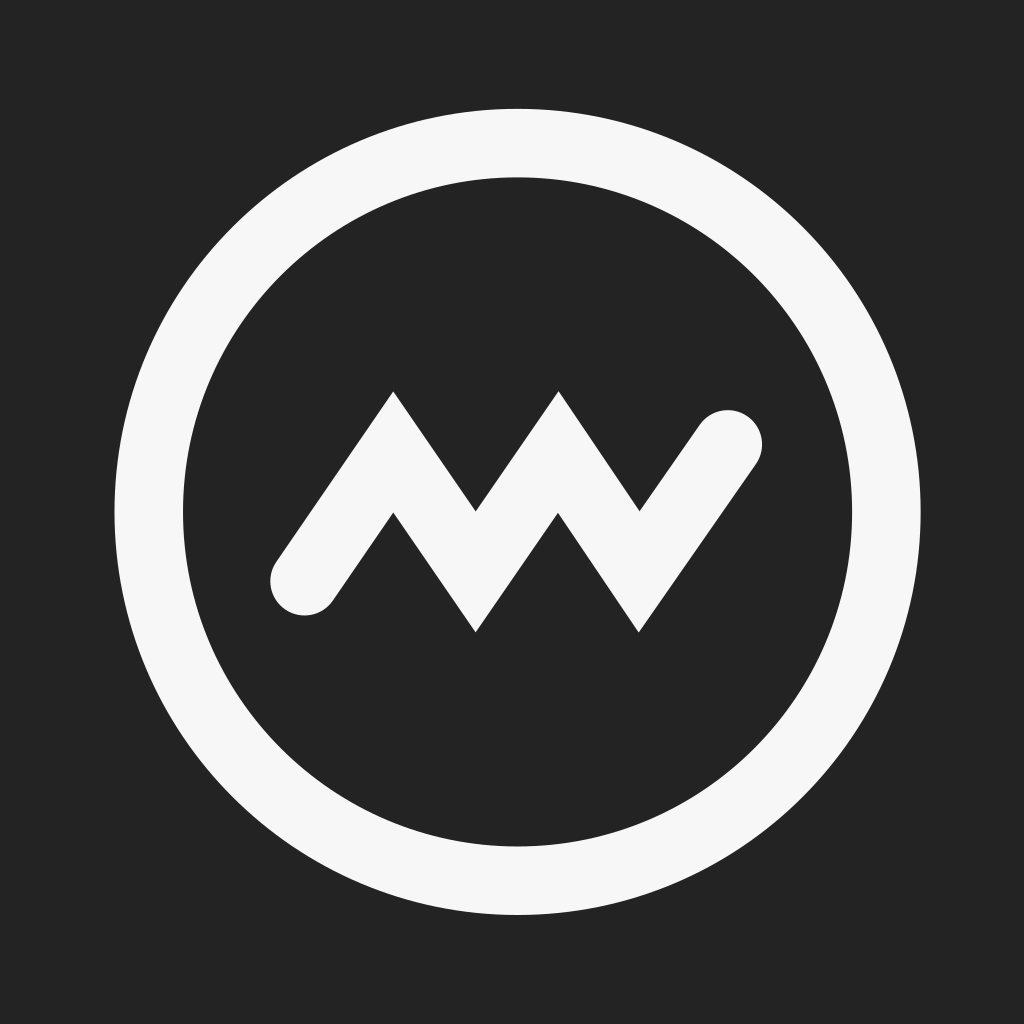
The mark is a ring with a signal line inside. It is our visual shorthand, built for places where space is tight and the full logo would not read.


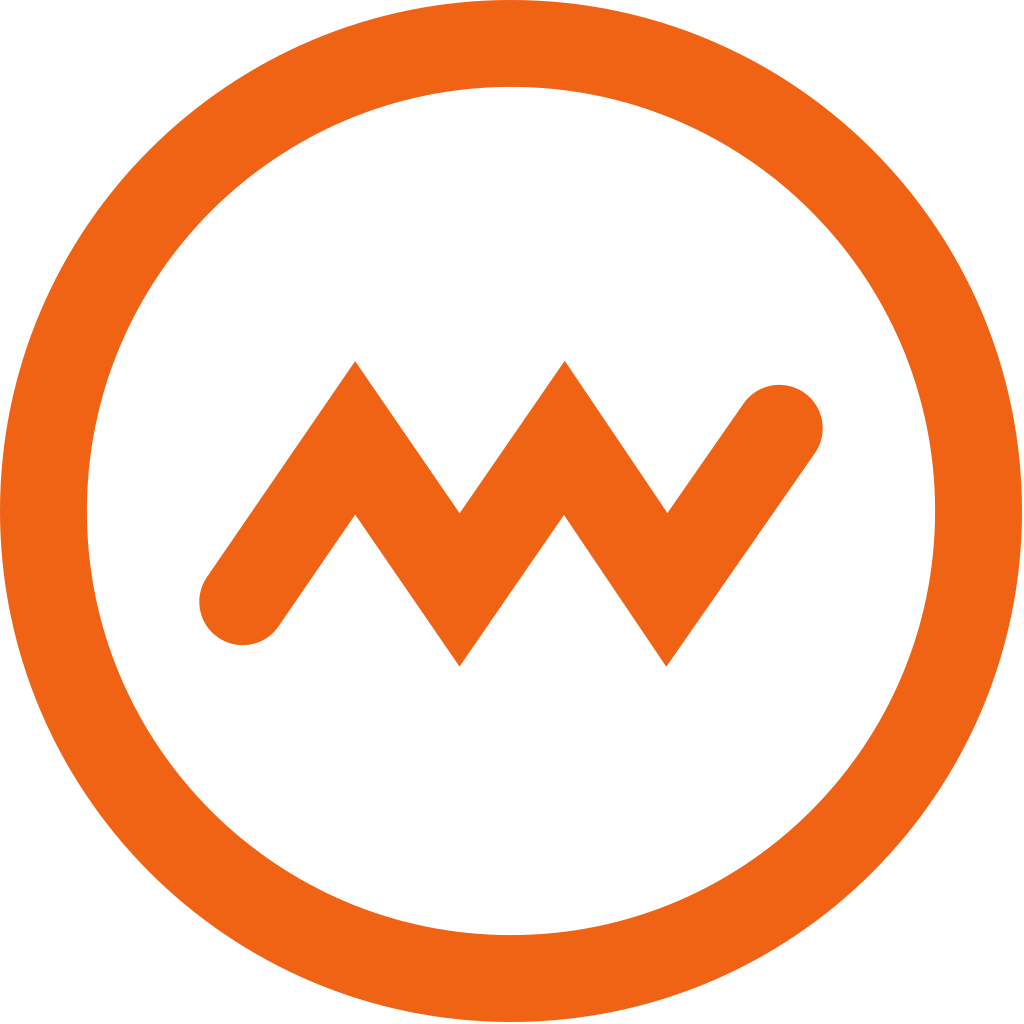

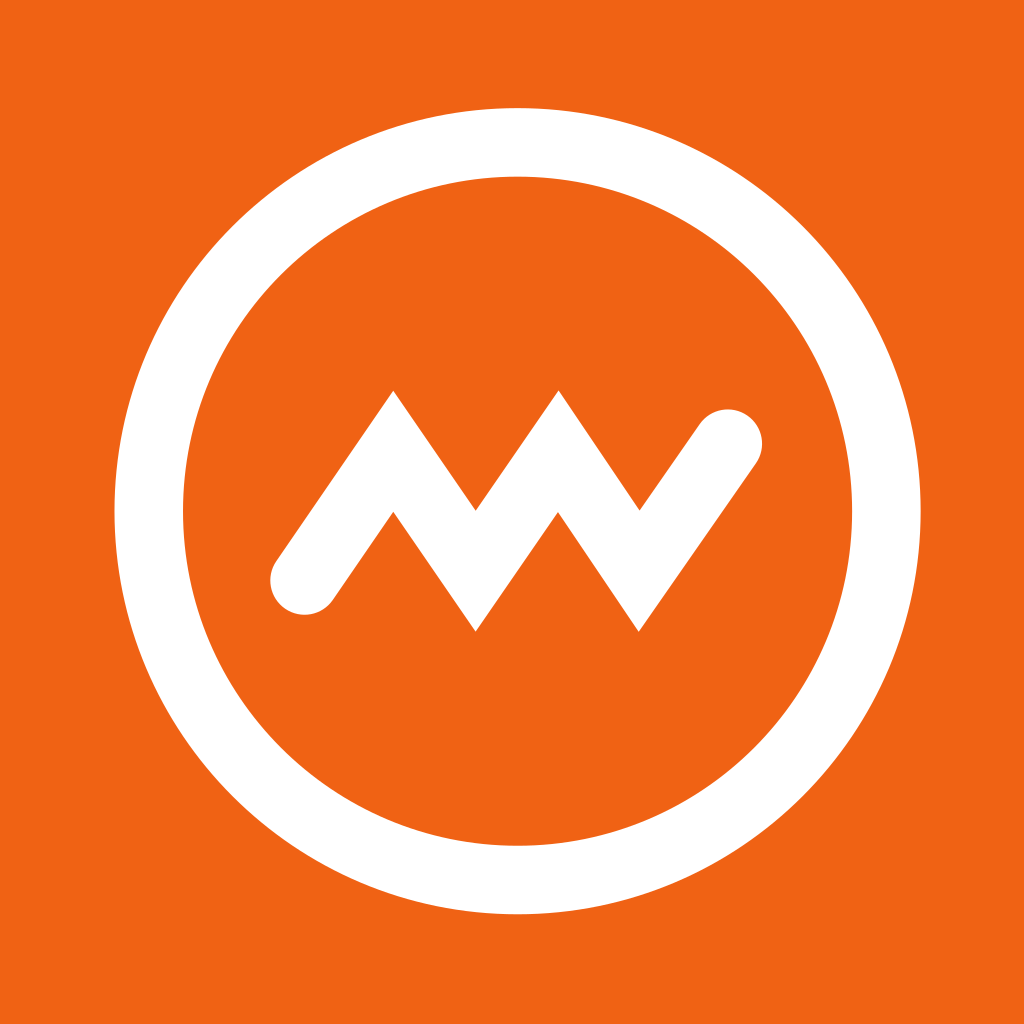
The ring and the signal line share one stroke weight: 8.5% of the mark's diameter, with round caps. Keep that ratio at every size, and never redraw the mark at a different weight.
Usage
How we write the name matters as much as how the logo looks. A few rules keep both consistent wherever ArmorIQ shows up.
Writing the name
ArmorIQ is one word with three capitals: A, I, and Q. The logo sets it in capitals, but in sentences, headlines, and alt text, always write ArmorIQ.
- Armor IQ
- Armoriq
- ARMORIQ
- armorIQ
- ArmorIq
- Armor-IQ
What to avoid
Don't stretch, recolour, rotate, or add effects to the logo, and don't place it on busy backgrounds. If it doesn't fit, switch to the mark or another version instead of changing it.
Stretched
Recoloured
Rotated
Effects
Busy backgrounds
Retyped or rebuilt
Color
Orange is our signal colour. Use it sparingly, on a base of paper and ink, so it stays the first thing people notice. Click any swatch to copy its HEX.
Product UI colours
The site uses a slightly deeper Web Accent for buttons and links, plus a few functional colours for diagrams. If you are matching a screenshot of armoriq.ai, use these. Everywhere else, use Brand Orange.
Typography
We use three typefaces, all free under the SIL Open Font License. Sunflower sets display headlines, Geist sets everything people read, and Geist Mono labels code and data.
Sunflower
Display, H1 and H2
Intent, not identity.
Get font Sunflower (opens in a new tab)Geist
Interface and body
Every tool call is checked against the plan the agent signed.
Get font Geist (opens in a new tab)Geist Mono
Labels, code, data
policy.allow read:customer.name
Get font Geist Mono (opens in a new tab)
Products
Each product has its own icon and a fixed written form. Write product names exactly as shown, without an ArmorIQ prefix.

ArmorClaude
One word, two capitals. Not Armor Claude.

ArmorCodex
One word, two capitals. Not Armor Codex.
Armor Tools
Two words, both capitalised. Not ArmorTools.

Press
Writing about ArmorIQ? Use the boilerplate below as written. For interviews, quotes, or approvals, contact the team directly.
Boilerplate
ArmorIQ delivers intent-aware visibility, cryptographic trust, and continuous policy enforcement for enterprise AI. IAM controls who can access a resource. ArmorIQ controls what an agent does once it has access. ArmorIQ complements IAM, Zero Trust, and monitoring; it does not replace them.
Contact
Interviews, quotes, and approvals go to the team.