Hey everyone,
Busy week on our end. Two things went live: Intent Gateway, which enforces policy right at the model API, and single sign-on for the platform. We also put together a proper walkthrough of the Policy Compiler, from tool schemas all the way to enforced decisions.
Here’s the rundown.
Intent Gateway is live
The short version: change one base URL, and every tool call your model returns gets a policy check before your agent ever sees it.
Intent Gateway sits between your agent and its model provider. You point your SDK at us instead of the provider, and that’s the only change. Your framework, prompts, tools and provider key all stay as they are.
When the model replies with tool calls, the gateway registers them with ArmorIQ as a plan and gets back a signed intent token (the same evidence our SDK produces). Then each call is checked against the agent’s active policy. If it’s allowed, it goes through untouched. If it’s blocked, it’s held back, and the reply tells you which rule stopped it.
Why put it at the model API? Every agent framework wires up tools its own way, but they all get tool calls the same way: in the model’s reply. If enforcement lives inside the agent, you need an integration per framework, and any agent nobody remembered to instrument runs unchecked. The gateway sits on the one path they all share, and it checks the plan before anything runs, not after. It also fails closed. If we can’t reach a decision for a named agent, the call doesn’t go through.
Setup is three steps:
Create a gateway key in the ArmorIQ dashboard.
Pick the agent whose policy you want applied.
Drop this base URL into your client or env (
OPENAI_BASE_URLorANTHROPIC_BASE_URL):
https://gw.armoriq.ai/v1/t/<gateway-key>/a/<agent-id>Not ready to enforce yet? Leave the agent out of the URL and you can watch your traffic first.
It works today with the OpenAI SDK (chat completions, streaming, tool calls), the Anthropic SDK (messages, streaming, tool use), and Gemini through the OpenAI SDK. Your OpenAI or Anthropic key is passed straight through and never stored, and every request, tool call and token count shows up in the dashboard under the agent that made it.
The first 50 design partners get white-glove onboarding from us, so if you’d like a hand getting it running, now’s a good time.
SSO is live on platform.armoriq.ai
Your team can now sign in to ArmorIQ through your own identity provider. We support Okta (and any OpenID Connect provider), Microsoft Entra ID, and Google Workspace.
No ticket to us needed. An org admin can set it all up from Settings → Single sign-on:
Verify your company domain by adding a DNS TXT record.
Connect your identity provider with its client ID and secret. The secret goes straight to our sign-in service and is never shown again.
Run a test sign-in with a company account, then switch SSO on.
After that, anyone on your domain clicks “Continue with SSO”, enters their work email, and lands in ArmorIQ through your provider.
We built it around the two ways SSO usually goes wrong. The first is someone else claiming your domain and putting their sign-in page in front of your people. The DNS record proves the domain is yours, so nobody else can claim it. The second is locking your own team out with one wrong field. SSO won’t turn on until a test sign-in passes, and if anyone changes a setting, it switches off until a new test passes.
Only Org Admins and IAM Admins can change SSO settings. Everyone else sees a read-only status, and every change lands in the audit log. Existing accounts carry over, so people keep signing in to the account they already have.
The Policy Compiler, in action
The Policy Compiler takes two things, your policy and your agent’s tool schemas, and turns them into a sealed, typed execution artifact.
Those schemas come from the agent’s real tool environment, so you’re writing policy against the tools the agent actually has, not a list someone put together by hand. Conditions become typed checks tied to those schemas, and the result is sealed with an identity derived from its content.
Here’s why that matters. A policy that parses isn’t necessarily a policy that works. Write args.rolee instead of args.role and it parses fine, then never matches anything. Put that typo in the rule guarding sysadmin account creation, and your policy file says no while the tool happily says yes.
The compiler catches this. Before a policy activates, it checks that every argument you reference exists and has the right type. A portability check then makes sure independent evaluators return identical verdicts. And the compiled policy’s identity has to match the one the backend enforces, so the policy you reviewed is exactly the policy that runs.
In the demo:
Restarting the campus VPN is allowed.
Restarting CAS is blocked before the tool even runs.
Restarting Zoom only goes ahead after a second team member approves it.
The same account-creation tool creates a helpdesk account but blocks a sysadmin one.
Every decision is logged with the agent, user, tool, verdict and policy context.
Coming up next
Two more Intent Gateway features are on the way:
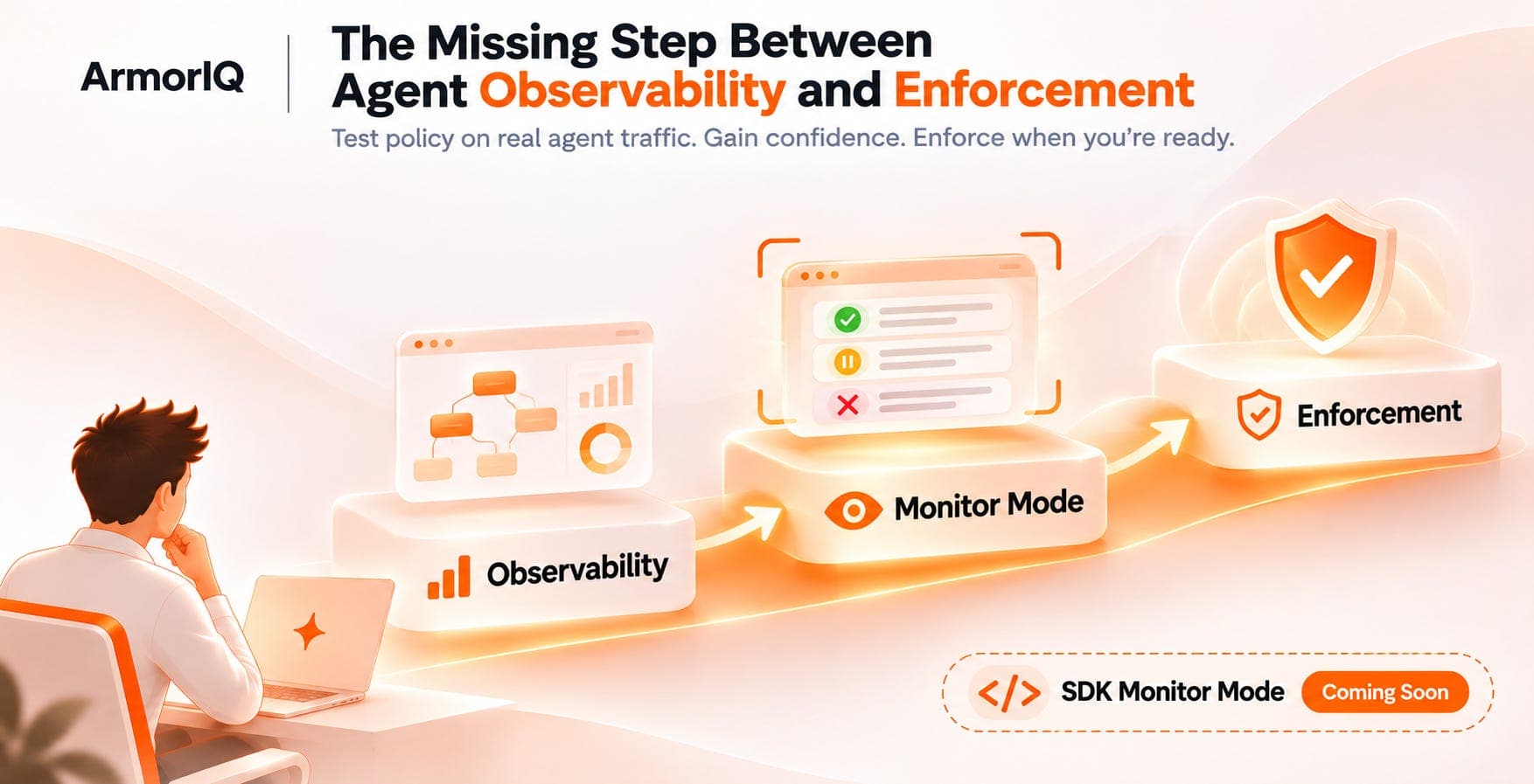
Monitor mode: see what your policy would block, while every call still runs.
Approvals: approve a held tool call, and the agent’s next attempt goes through.
That’s it for this week. Hit reply if you have questions or feedback. More next week!
The ArmorIQ team